
Let's talk about the visual content problem that almost nobody talks about out loud.
You know your marketing needs great images. You know that a polished graphic stops the scroll in a way that a wall of text never will. You know that your website, your social profiles, your email newsletters, and your presentations all look more credible — and convert better — when the visuals are strong.
You also know that getting great visuals has historically required one of three things: a graphic designer on staff, a freelance designer you pay per project, or a stock photo library that technically has what you need but somehow always looks like it was photographed in 2009 in a beige office with people who are smiling way too hard.
For small businesses and lean marketing teams, this has been a genuine, persistent frustration. Design costs money. Design takes time. And "I'll just use Canva" gets you so far before every piece of content starts to look like everyone else's Canva template — which, as we talked about a few weeks ago, is its own kind of Sea of Sameness problem.
AI image generation has changed this equation in ways that are still catching most marketers off guard. Not because it's a perfect solution to every visual content challenge — it isn't — but because it puts capabilities in your hands that simply did not exist at any price point two years ago.
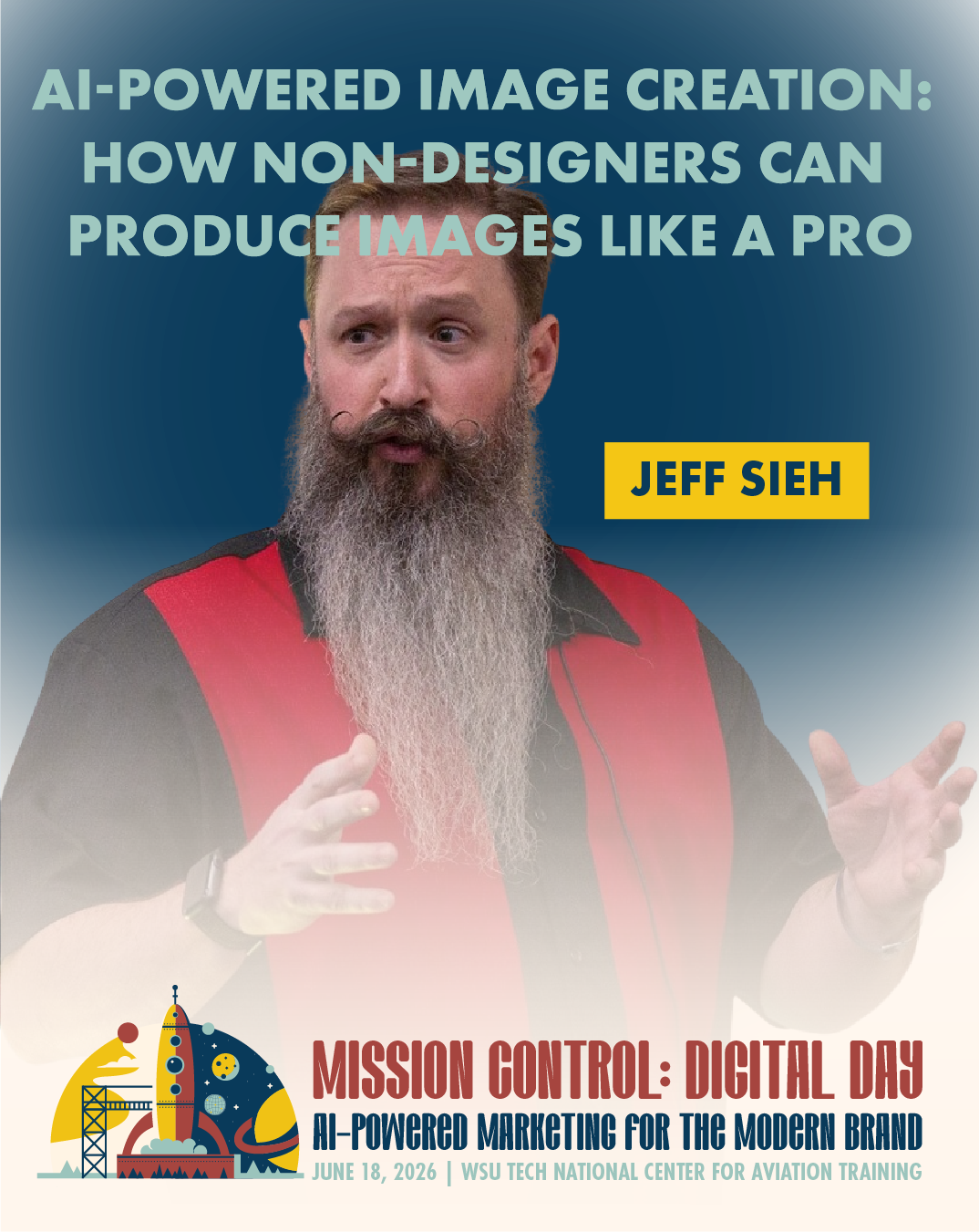
Jeff Sieh's session at Digital Day on June 18th — "AI-Powered Image Creation: Create Professional Visuals in Minutes" — is hands-on, which means you'll actually make things during the session. This post is your warm-up.
See Jeff Sieh
at Digital Day 2026
What AI Image Generation Actually Is (And Isn't)
First, let's clear up a common misconception, because the term "AI image generation" means very different things to different people, and some of those meanings come with baggage.
When we talk about AI image generation for marketing, we're not talking about deepfakes, we're not talking about replacing photographers wholesale, and we're not talking about the weird, six-fingered nightmare images that gave everyone pause when these tools first appeared a couple of years ago.
We're talking about tools — Midjourney, Adobe Firefly, DALL·E, Ideogram, and several others — that let you describe an image in plain English and receive a high-quality, original visual in seconds. And we're talking about how those tools have improved to the point where, for many common marketing use cases, the output is genuinely professional and genuinely useful.
Here's what that looks like in practice: instead of spending an hour searching stock photo sites for an image that sort of captures the concept you're going for, you type a description — "a warm, inviting coffee shop interior with natural light, shot from the perspective of someone sitting at a corner table, editorial photography style" — and get several options back in about fifteen seconds. You pick the one that fits, refine it if needed, and you're done.
Or instead of paying a designer to create a custom illustration for your blog post header, you describe the concept, iterate through a few versions, and have something original and on-brand in the time it would have taken you to write the design brief.
That's the version of AI image generation that's relevant to marketers in 2026. Practical, fast, and increasingly precise.
The Use Cases That Actually Move the Needle
Not all visual content is created equal, and AI image generation isn't equally useful for every type. Let's talk about where it genuinely shines for marketing purposes — and where the human touch still matters.
Blog and article headers. This is probably the highest-ROI use case for most content marketers. Custom header images make blog posts feel more polished and professional, but commissioning custom illustrations for every post isn't realistic. AI image generation makes original, relevant headers fast and cheap. Your blog immediately looks more considered and more credible.
Social media graphics. AI tools can generate the kind of atmospheric, mood-forward imagery that performs well on Instagram and Pinterest — beautiful textures, evocative scenes, abstract concepts made visual — in a fraction of the time it takes to source or shoot equivalent content. Pair that with text overlays in Canva or Adobe Express and you have a social content workflow that's genuinely fast.
Concept visualization. When you're pitching an idea to a client, a stakeholder, or your own team, showing them a visual approximation of what you're imagining is enormously more effective than describing it. AI image tools let you mock up concepts quickly — a store layout, a product in a lifestyle setting, a campaign aesthetic — even before any real production has happened.
Ad creative testing. Running paid ads requires creative variety. Testing which visuals resonate with your audience used to require either a large creative budget or a lot of Canva templates. AI generation lets you produce a wider range of visual concepts quickly, test them, and double down on what performs.
Custom illustrations and branded assets. With the right prompting technique and some consistency in your style descriptions, AI tools can generate a cohesive visual style across multiple assets — something that used to require a brand designer and a style guide to achieve.
Where human designers still hold a clear advantage: complex layout work, highly specific brand application, photography requiring real people or real locations, and anything where the relationship between brand guidelines and output needs to be absolutely precise. AI is a powerful collaborator in the creative process, not a replacement for skilled human designers — especially for your most important brand assets.
The Prompting Gap: Why Most People's Results Are Mediocre
Here's something worth understanding about AI image generation before you try it and get frustrated: the quality of what you get out is almost entirely determined by the quality of what you put in.
Most people's first attempts with these tools produce results that range from "fine, I guess" to "that is not what I asked for at all." And because those results are underwhelming, a lot of people conclude that the tools aren't that impressive and move on.
What they're actually experiencing is a prompting gap — the difference between describing an image the way a non-designer would ("make a picture of a marketing meeting") and describing it the way someone who understands both visual language and how AI image models interpret instructions would ("a candid overhead shot of a diverse group of four professionals gathered around a whiteboard covered in sticky notes, warm natural light from the left, shallow depth of field, editorial photography style, muted color palette").
The second prompt produces something genuinely useful. The first produces something that looks like it came from a 2014 stock photo package.
This is exactly what Jeff Sieh's session is designed to address. Jeff is one of the most respected voices in visual content for marketing, and his session isn't just about which tools to use — it's about how to actually use them well. How to describe what you want in a way the AI understands. How to iterate and refine. How to develop a consistent visual style. How to integrate AI generation into a real marketing workflow, not just as a novelty but as a genuine productivity multiplier.
You'll leave his session with enough practical technique to produce results that surprise you — and probably a few images you'll actually use.
A Word About Authenticity (Because Someone's Going to Ask)
We'd be doing you a disservice if we didn't address the question that's sitting in the back of your mind: is AI-generated imagery authentic? Will my audience feel deceived if they find out the images on my website weren't photographed?
It's a fair question, and it deserves a direct answer.
First, the practical reality: audiences have been consuming stock photography for decades without feeling deceived. The image of a smiling professional on your About page that came from a stock library has never been a photograph of your actual team, and your audience has always understood that implicitly. AI-generated imagery occupies a similar space for most marketing applications — it's visual support for your content, not a claim that the image depicts a real event or real people.
Second, the emerging norm: AI-generated imagery is becoming so common in marketing that disclosure expectations are still being worked out publicly. Many brands are already using it openly and without apology. For most marketing use cases — illustrative images, abstract concepts, mood photography, background visuals — it's simply a new tool in the creative toolkit.
Third, and most importantly: there are absolutely contexts where authenticity in imagery matters enormously and AI generation is the wrong call. Photos of your actual team, your actual products, your actual workspace, your actual clients (with permission) — real photography builds a kind of trust that AI imagery can't replicate, because it's proof. For those trust-critical uses, keep shooting the real thing.
The smart approach is knowing which category your visual need falls into, and choosing your tools accordingly. Jeff's session will help you develop that judgment.
The Bigger Picture: Visual Content at Scale
Step back for a moment and connect this to everything else we've been talking about in this series.
In Post #5 we talked about the Content Factory — the idea that AI lets small businesses produce content at a scale that previously required a full team. The same principle applies to visual content. A solo marketer or small marketing team with access to good AI image generation tools can now produce the visual variety that used to require a design team. Not for every purpose, but for enough of them to make a meaningful difference in output quality and consistency.
When you combine a Content Factory approach with AI-assisted visual creation, you have the building blocks of a genuinely scalable content marketing operation — one that doesn't depend on budget spikes every time you need a new campaign or a new set of graphics.
That's the vision that Digital Day is built around: not AI as a magic wand, but AI as a practical system that lets you show up better, more consistently, and more effectively than your resources alone would allow.
Jeff Sieh's session is one piece of that puzzle, and it's a piece that's going to feel immediately, tangibly useful the moment you walk out of the room.
What to Expect from the Session
Jeff's session is hands-on, which at Digital Day means your phone or laptop is a participation tool, not a distraction. Come ready to actually try things. Come with a sense of what kind of visual content you need more of for your business, because the best learning happens when you're applying the technique to something real.
And come with low expectations for your first few tries and high expectations for where you'll be by the end of the session. The learning curve on AI image generation is real but short. Most people hit a breakthrough moment within their first hour of guided practice — and Jeff has guided a lot of people through that first hour.
Get your tickets to Mission Control: Digital Day here. The Summit is June 18th at WSU Tech's NCAT Campus in Wichita. The AI Agent Workshop with Dennis Yu on June 19th is limited to 100 seats — if you've been on the fence, now's the time to decide.
Next week we're shifting gears — Meet the Speakers at Digital Day 2026: The AI Marketing Experts Coming to Wichita. You've been reading about their sessions for weeks. Time to actually meet the humans behind them.